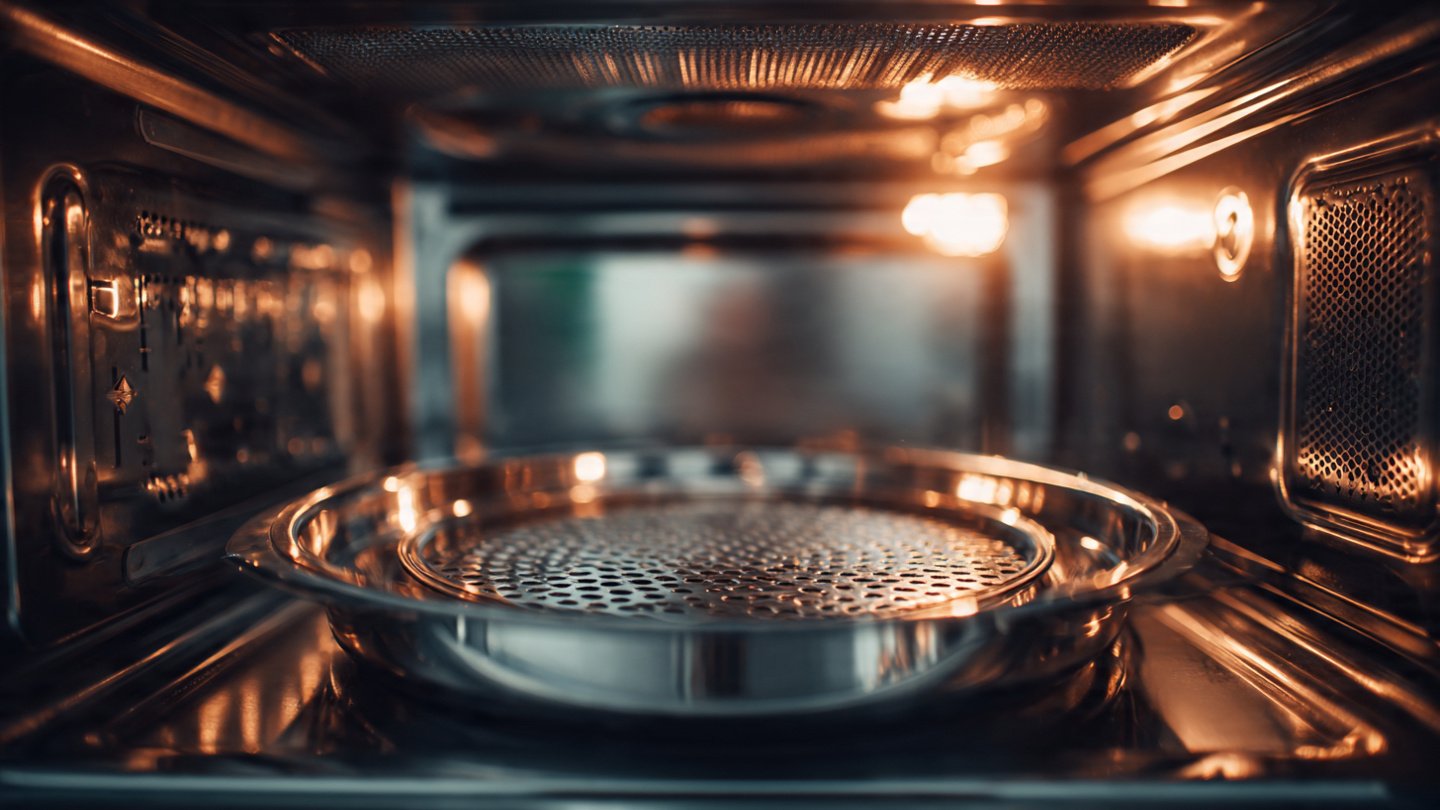
Microwave ovens have become an indispensable part of modern households, offering convenience and speedy meal preparation. One crucial feature of a microwave is its rotating plate, which ensures that food cooks evenly by distributing microwave energy uniformly. However, if you notice that the microwave plate has stopped rotating, it can be frustrating. Understanding why this happens can help you troubleshoot the issue effectively and maintain your appliance.
1. Understanding the Basics of Microwave Rotating Plates
Microwave ovens typically come with a turntable that rotates during cooking. The rotation is essential for even cooking and heating. When microwaves are generated, they create standing waves, and a rotating plate helps to distribute these waves across the food.
Most microwave turntables are powered by a motor, usually located under the microwave floor, which connects to the turntable through a support mechanism. If anything goes wrong with this system, the turntable may stop rotating.
2. Common Reasons for Non-Rotation
2.1. Motor Malfunction
Description of the Issue: The most common reason for a turntable’s failure to rotate is a malfunctioning motor. The motor may be faulty or burnt out, preventing it from turning the plate.
Signs: If you notice that the food is not cooking evenly and the turntable isn’t rotating, the motor may be the culprit.
Solution: Inspect the motor for signs of damage. You may need to replace it if it’s defective. Consult your microwave’s manual for guidance on accessing and replacing the motor.
2.2. Broken Turntable Coupling
Description of the Issue: The coupling connects the turntable to the motor. If it breaks or becomes dislodged, the turntable will not rotate, even if the motor is functioning correctly.
Signs: If the plate looks misaligned or does not fit snugly onto the drive motor, the coupling might be broken.
Solution: Check the coupling by removing the turntable and inspecting the connection point for cracks or other damage. If it’s broken, replace it with a new coupling piece.
2.3. Improper Placement of the Turntable
Description of the Issue: Sometimes, it’s simply a matter of improper alignment. If the turntable is not seated correctly on the motor shaft, it may not rotate.
Signs: If the plate seems loose and wiggles instead of sitting firmly, it may not be engaging with the motor.
Solution: Remove the turntable, clean the area, and place it back correctly. Ensure it sits snugly on the motor’s drive coupling.
2.4. Blockage in the Track
Description of the Issue: The track that allows the turntable to rotate can become blocked or dirty with grease and food particles, hindering movement.
Signs: If you hear grinding noises or see that the turntable isn’t level, there might be a blockage.
Solution: Turn off and unplug the microwave. Clean the track thoroughly with warm soapy water and a cloth to remove any debris.
2.5. Control Board Issues
Description of the Issue: In some cases, the control board or timer may malfunction, affecting the motor’s operation.
Signs: If all other components seem fine but the turntable still does not rotate, the control signals may not be reaching the motor.
Solution: If you suspect a control board issue, you will likely require professional assistance. This component is more complex to diagnose and may need replacement if faulty.
2.6. Faulty Power Supply
Description of the Issue: A power supply issue can prevent the turntable motor from receiving the required voltage, causing it to stop.
Signs: If the microwave itself shows other signs of power issues, like flickering lights or inconsistent heating, power supply could be the cause.
Solution: Check the power outlet and ensure that the microwave is properly plugged in. If you notice any issues, consider consulting an electrician.
2.7. Thermostat Failure
Description of the Issue: A malfunctioning thermostat can cause various issues, including affecting the functionality of the turntable.
Signs: If your microwave shuts off unexpectedly or doesn’t heat properly, the thermostat may need attention.
Solution: If you suspect this is the issue, professional repair may be necessary as testing or replacing a thermostat can be complex.
3. Troubleshooting Steps
To resolve the issue with your microwave’s non-rotating plate, follow these troubleshooting steps:
Step 1: Unplug the Microwave
Always start by unplugging the appliance to ensure safety while inspecting components.
Step 2: Inspect the Turntable
Remove the turntable and its support, then check for any visible damage or misalignment.
Step 3: Check the Coupling and Motor
Inspect the coupling for cracks and test the motor by trying to turn it manually. If you can’t turn it or feel resistance, it may be faulty.
Step 4: Clean the Track
Clean any dirt or debris from the track where the turntable rotates.
Step 5: Test the Power Supply
Make sure the microwave is getting power. You can test it by plugging another appliance into the same outlet.
Step 6: Call for Professional Help
If none of these steps resolve the issue, it may be time to consult a professional technician for further evaluation.
4. Maintenance Tips for Your Microwave Oven
To prevent issues with the turntable in the future, consider these maintenance tips:
4.1. Regular Cleaning
Regularly clean both the interior and exterior of your microwave to prevent the buildup of food particles and grease. Ensure the turntable and track are also cleaned routinely.
4.2. Avoid Overloading
Avoid placing too much food or overly heavy items on the turntable, as this could strain the motor and other components.
4.3. Use Microwave-Safe Containers
Always use microwave-safe containers to prevent damage to the turntable. Avoid metal containers and ensure that any glass or ceramic containers are free of cracks.
4.4. Periodic Inspection
Regularly inspect the turntable and its components for signs of wear and tear.
Conclusion
A malfunctioning microwave turntable can be more than just a nuisance; it can affect the cooking quality of your meals. By understanding the common reasons why your microwave plate may stop rotating, you can take proactive steps to diagnose and fix the issue effectively. Whether it’s as simple as misalignment or as complex as a faulty power supply, being aware of the potential problems can save you time, effort, and expenses in the long run. Always remember that proper maintenance is key to prolonging the life of your microwave and keeping it in good working condition. If you’re ever in doubt, don’t hesitate to seek professional help, as some repairs may require specialized knowledge and tools.